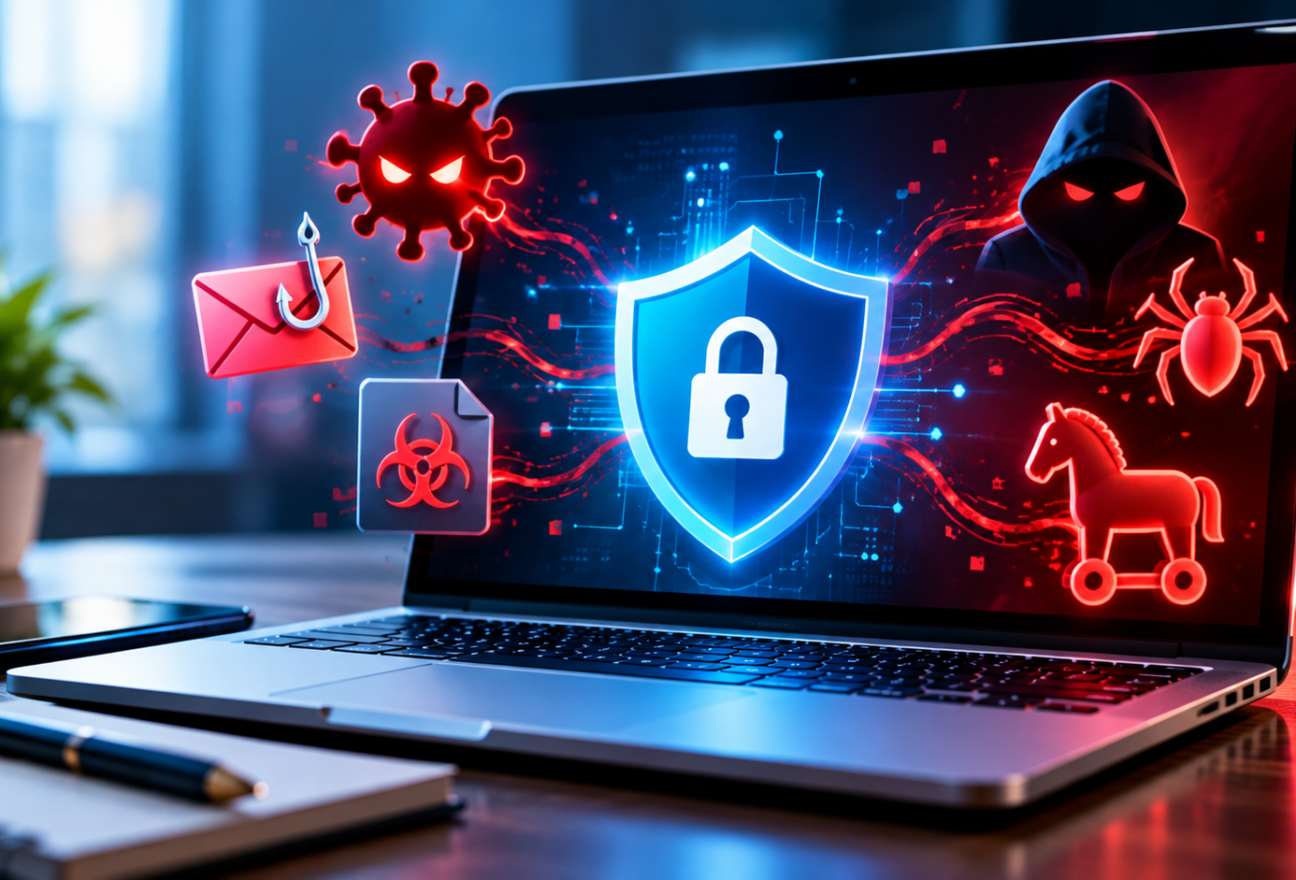
Malware continues to be a significant threat to everyday internet users in 2026. Understanding what malware is, the different types that exist, and how attackers use them can empower you to defend your devices and personal information. This article breaks down the essentials of malware for endpoint users, highlighting real-world examples and practical protection strategies you can apply right now.
Types of Malware Explained
Malware, short for malicious software, comprises several types of harmful programs designed to damage or exploit computers, phones, or networks. Key malware categories include:
- Viruses: These attach themselves to legitimate files or programs and spread when those files are shared or opened. Viruses often corrupt data or cause system instability.
- Worms: Unlike viruses, worms are self-replicating and can spread across networks without user interaction, often causing widespread disruptions.
- Trojan Horses: These disguise themselves as legitimate software or files, tricking users into installing them. Once active, Trojans can steal data, install other malware, or provide unauthorized access.
- Ransomware: This malware encrypts your files and demands payment — often in cryptocurrency — to restore access. It remains one of the most damaging threats.
- Spyware: Designed to secretly collect your data, including keystrokes, browsing habits, or personal information, often without your knowledge.
- Adware: Displays unwanted advertisements and sometimes tracks user behavior for targeted ads or data collection.
Examples of Malware Attacks in 2026
Malware attacks in 2026 use ever-evolving tactics to infect devices. Common infection methods include:
- Phishing Emails: Cybercriminals send convincing emails with malicious attachments or links that deliver malware when opened.
- Drive-By Downloads: Visiting compromised or fraudulent websites can trigger automatic downloads of malware without any user consent.
- Software Vulnerabilities: Unpatched operating systems or applications offer attackers gateways to install malware silently.
- Social Engineering: Attackers manipulate users via phone calls, texts, or messaging apps to download malicious software.
Why Malware Is a Threat to Endpoint Users
Malware puts users at risk of serious consequences such as:
- Data Loss: Critical files may become corrupted or inaccessible, especially with ransomware attacks.
- Identity Theft: Spyware and Trojans can steal sensitive personal information like passwords and financial data.
- Financial Damage: Paying ransoms or dealing with fraud caused by stolen information can lead to significant financial loss.
- Device Damage and Disruption: Malware can slow down or crash your devices, interrupting your daily activities.
How to Protect Yourself from Malware in 2026
Protecting your endpoint devices from malware requires consistent vigilance and layered defenses. Follow these essential steps:
- Keep Software Updated: Enable automatic updates for your operating system and all applications. Regular patches close vulnerabilities malware exploits.
- Use Reputable Antivirus Software: Install and maintain trusted antivirus programs that offer real-time protection and automatic definition updates.
- Employ Strong Passwords and Multi-Factor Authentication (MFA): Use unique, complex passwords and enable MFA to add an extra security layer to your accounts.
- Be Wary of Suspicious Emails and Links: Avoid opening unexpected email attachments or clicking unknown links to reduce phishing risks.
- Enable Firewalls: Activate both software firewalls on your devices and hardware firewalls on your home router to block unauthorized access.
- Avoid Untrusted Downloads: Download software only from official or reputable sources to prevent accidentally installing malware.
- Backup Data Regularly: Use automated backup solutions and store copies offline or in secure cloud storage to recover from ransomware or data loss.
- Maintain Good Cyber Hygiene: Stay informed about current threats, practice safe browsing, and remain cautious online.
Additional Tips for Staying Safe Online
- Use Browser Security Features: Enable pop-up blockers and avoid visiting suspicious websites that may host malware.
- Avoid Pirated Software: Installing unauthorized software increases the risk of malware infections.
- Regularly Review Account Activities: Monitor your online accounts for unusual activity and update security settings as needed.
Resources and Tools
- CISA – Protecting Against Malicious Code: Official guidance on malware types and protection measures.
- CISA – Multi-factor Authentication Guidance: Learn how MFA enhances account security.
- CISA – Cyber Essentials: Basic cybersecurity practices for all users.
- Recommended Antivirus Software for 2026 includes well-known solutions such as Microsoft Defender, Malwarebytes, and Norton Antivirus, which provide strong endpoint protection and frequent updates.
Conclusion
Malware remains a persistent threat to internet users in 2026, with attackers constantly evolving their techniques. Understanding the nature of malware and how it spreads is the first step toward protecting yourself. By keeping your software updated, using reputable antivirus tools, employing strong passwords and multi-factor authentication, and practicing cautious online behavior, you can significantly reduce your risk of infection. Regular backups and awareness of phishing attempts further strengthen your defenses, helping you stay safe in today’s digital environment.
Frequently Asked Questions (FAQ)
What is the most common type of malware in 2026?
Ransomware continues to be one of the most widespread threats, causing significant harm through data encryption and ransom demands.
Can antivirus software alone protect me from malware?
While antivirus programs are essential, they should be part of a layered defense that includes software updates, strong passwords, MFA, and cautious online habits.
Is multi-factor authentication necessary?
Yes, MFA adds an important extra layer of security even if passwords are compromised, making unauthorized account access much harder.
Leave feedback about this